
October 15, 2025
Our Remote Editing Solution
From our 10 years of editing, going old-school always wins.
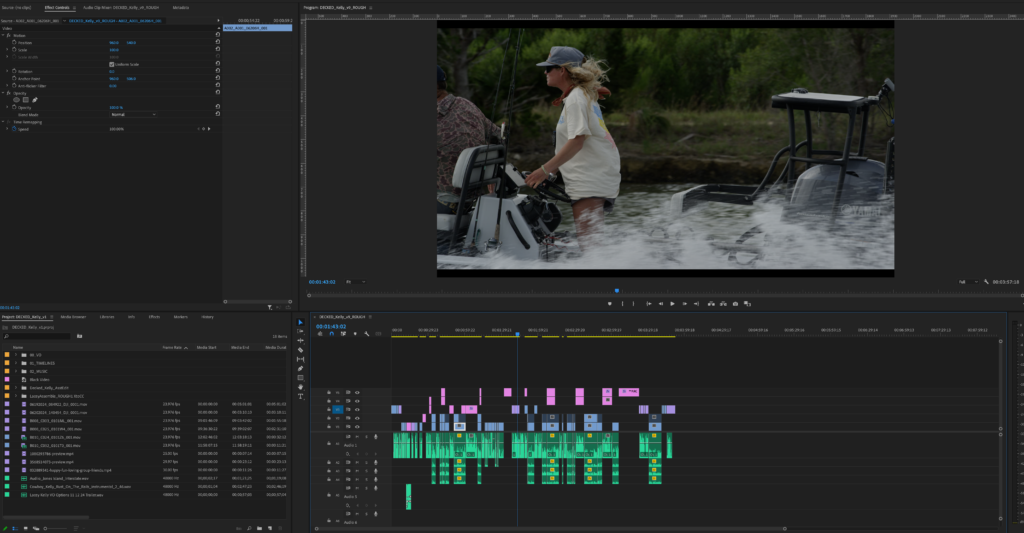
Welcome to an app called Parsec.
From our 10 years of editing, going old-school always wins.
As in: the best editing work we've done is when a client is sitting in our edit bay. Together we can work through problems, have access to all the assets and experiment. All important things when working through post-production. The edit is where it all comes together and it's THE PLACE to be hands-on.
Parsec is a piece of software tuned to pushing high quality video from my machine to our clients' machines anywhere in the world. When folks can't make the trip out to beautiful Montana, we'll use Parsec.
A few key features:
- Fiber Internet: We have fiber optic internet at Tributaries in downtown Bozeman - we are sending crisp, barely-a-delay video your way - live!
- Excellent Workflow: Editing is incredibly responsive - we can see changes as they happen. We don't have to wait a week for notes, we're doing them together in the "same room".
- Efficient Use of Time: We've always found a few hours spent on Parsec puts us light years ahead
- Editing alone sucks: that's a very dramatic and sad statement but honestly, we love creating things with other people. Editing can be tedious but having company is always great.
Parsec Instructions:
A to do list for Parsec.
- Please create an account here: https://parsec.app/ - You can skip the 2FA stuff if you want.
- Download and install the desktop app.
- The best way to do this is for you to wear headphones connected to your computer and then have me on the telephone/facetime so we can communicate (there is no built in video conferencing). If possible wear an ear bud (or transparency mode) connected to your computer. Put me on speaker on your phone and I won’t hear feedback (i.e. the playback I’m sending to you).
- Once you’re setup with the above, I'll send a link and let you in!